First Airbnb Listing? Set Up Property Documentation Before Your First Guest
You're about to list your first Airbnb property. You've painted the walls, bought new furniture, cleaned everything twice. The listing is live. Your first guest books.
Then you realize something: What if they damage something? How will you prove the damage wasn't there before they arrived?
Most new hosts don't think about this. They figure they'll deal with damage if it happens. But by then, it's too late. You have no before photos. No proof of the original condition. Airbnb denies your claim. You lose thousands.
Here's the truth: 10 minutes of setup right now—before your first guest even arrives—will save you more than you can imagine. ProofMi — the short-term rental inspection app built for new hosts — gives you a neutral third-party notary for every baseline photo, so Airbnb can verify your before-shots are live-captured and untampered when you need them most.
Why Documentation Now Beats Scrambling Later
Damage claims are won before damage happens. This sounds strange, but it's true.
When you document your property condition before anyone arrives, you create proof. Clear, unquestionable proof. Before photos that show exactly what the property looked like on day one. When something breaks later, you have proof it broke on someone else's watch.
Without before documentation? You're stuck. You tell Airbnb "That lamp was fine when this guest arrived." Airbnb says "We have no way to verify that." Claim denied. You pay for the repair yourself.
The hosts who win damage disputes aren't necessarily the ones with the nicest properties. They're the ones who planned ahead.
What to Document (It's Less Than You Think)
You don't need to photograph every dish and pillow. You need to photograph the property as a whole—the condition your guests will see.
Focus on these three areas:
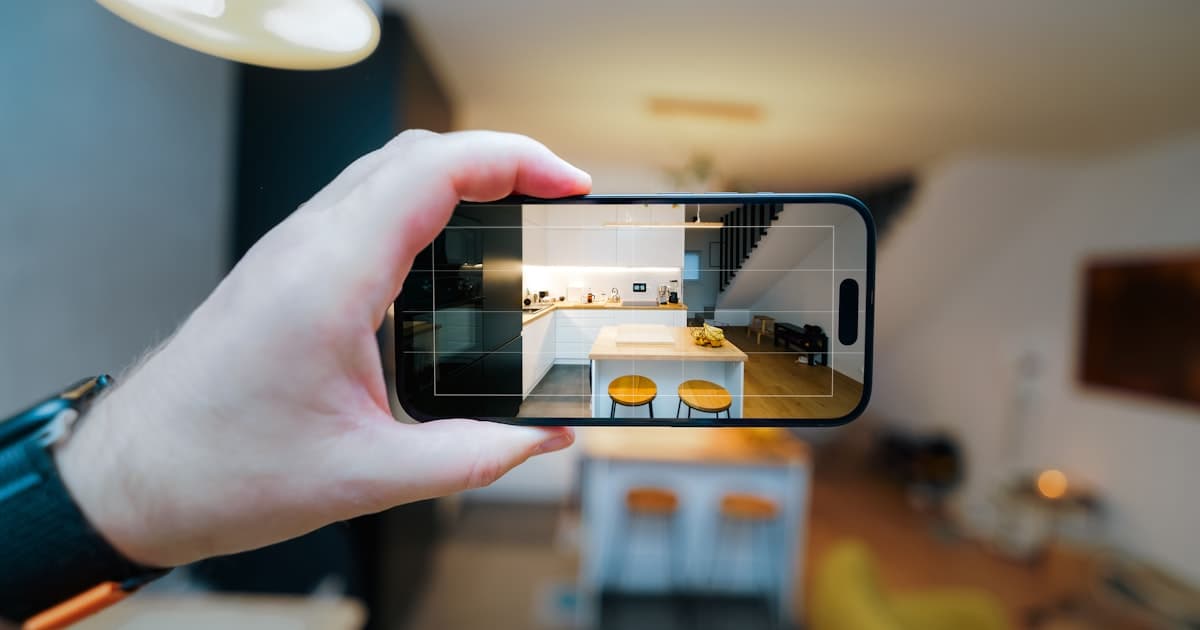
1. Overall condition Walk through your entire property with a camera. Take wide shots of each room. Carpet clean? Hardwood intact? Walls unmarked? Doors opening smoothly? This establishes baseline. If a guest leaves a stain on your carpet, you'll have proof the carpet was clean before they arrived.
2. Appliances and fixtures These break. Document them: refrigerator works, stove burners function, dishwasher runs, lights turn on. Bathroom fixtures work (toilet flushes, faucets run, shower drains). If a guest claims the shower didn't work and refuses to pay, you have proof it did.
3. Wear and existing damage Be honest about pre-existing wear. If your couch has a small stain from before (normal use), photograph it. If there's a nick on the door, document it. This protects you. When damage happens during a guest's stay, Airbnb can see the difference between new damage and normal wear.
That's it. Don't overthink it. Wide shots. Appliance shots. Existing damage shots. Thirty minutes of your time. This is your insurance policy.
If you want a full checklist with every item to photograph, check out our rental inspection checklist. But for a brand new host getting started, those three categories cover 90% of your risk.
How to Organize Photos So You Actually Find Them Later
New hosts document their property, then six months later a guest damages something, and they can't find the before photos. Organization matters.
Use this simple structure:
Create folders by date: "Pre-Opening March 2026" or "Property Baseline 2026." Include the month and year so you know exactly when you took them.
Name your photos clearly: Instead of IMG_1234.jpg, name them "Living Room - Wide Shot" or "Kitchen Stove - Burners Working." This takes 30 seconds per photo but saves hours later.
Back them up to the cloud: Google Drive, iCloud, OneDrive. Don't rely on your phone's storage. Devices get lost. Cloud storage lasts forever.
Keep a simple document: Create a Google Doc or PDF that says "Property baseline documented [date]. Total photos: [number]. Folders: [location]." This is your quick reference if something happens months later.
This sounds like extra work, but it's not. It's five minutes of organization that saves you thousands in a dispute.
When Should You Re-Document?
Don't think of documentation as a one-time task. Think of it as maintenance.
Monthly: Take a quick walkthrough. Are there new stains, marks, or wear? Document them. This creates a monthly record. If something breaks in week three of month four, you know what the property looked like in month four baseline.
After major repairs or updates: Replaced the carpet? New appliance? Repainted the wall? Document the new condition. If a guest damages that new carpet, you have proof of exactly when it was installed.
Before each guest (optional but smart): Some hosts take a quick walkthrough before each new guest. Just a few photos of high-wear areas (kitchen, bathrooms, entry). This creates a per-guest baseline. It's overkill for most hosts, but it's the gold standard if you're dealing with high-turnover properties.
At least quarterly: Even if nothing changes, do a full walkthrough every three months. This creates a clear timeline of your property's condition. If a claim comes in and a guest disputes when damage happened, you have quarterly proof showing the property's state each season.
The goal isn't to document obsessively. It's to create enough proof that when something breaks, Airbnb (or any platform) can see the difference between before and after.
Tools You Can Use (Beyond Your Phone Camera)
Your phone's default camera works fine. But smart hosts use apps that add timestamps and location. Why? Because when money is on the line, a regular photo is just a photo. A timestamped photo with location is proof.
Options:
Free options:
- Your phone's camera + Google Docs with timestamps (write "Kitchen before 3/29/26" as a caption)
- Timestamp apps like Timemark or Time Stamp Camera (phone apps that embed date/time into the photo itself)
Paid options:
- ProofMi (full disclosure: I'm the creator) creates photos locked with time and location. Share the verification with Airbnb or your insurance company. They can instantly confirm the photo is real and unedited.
Why it matters: Airbnb sees an edited-looking photo and gets suspicious. A photo with embedded proof of when and where it was taken gives reviewers fewer reasons to doubt your evidence.
The good news: During our launch period, ProofMi is free. We want feedback on what would make documentation easier for you.
Common Mistakes New Hosts Make (And How to Avoid Them)
Mistake 1: "I'll document after my first guest."
No. By then, you have no baseline. You've lost your leverage. Start before the first booking.
Mistake 2: "I'll only document if damage happens."
Reactive documentation doesn't work. You need proactive proof—the before photo taken before anyone stayed there. One clean before photo beats a hundred after photos where you're trying to explain damage.
Mistake 3: "My property is new, so I don't need documentation."
New properties still get damaged. Documentation isn't about protecting a perfect property. It's about proving what happened when.
Mistake 4: "I'll keep photos on my phone."
Your phone breaks. You upgrade. You lose the photos. Cloud storage is free. Use it.
Mistake 5: "I'll use my regular camera app and trust Airbnb to believe me."
Airbnb receives thousands of damage claims. Many are exaggerated. They're skeptical by default. A regular photo looks like any other photo. A verified photo looks like proof. The difference matters when there's a dispute.
The Real Benefit (Beyond Claims)
Documentation has another benefit most new hosts miss: It gives you peace of mind.
You know the property's baseline. A guest reports a minor stain. You check your before photos. The stain matches a pre-existing mark. You respond calmly to the guest. No stress. No dispute. You're confident because you have proof.
Compare that to a host with no documentation. They panic. They second-guess themselves. Did that stain come from the guest? They're not sure. Airbnb denies the claim because there's no evidence. They lose money and sleep.
Documentation is stress relief. It's knowing that if something breaks, you have the proof to back your claim.
Your First Steps
Here's what to do this week:
Day 1-2: Walk through your property with a camera (phone is fine). Take wide shots of each room, document appliances and fixtures, photograph any pre-existing wear. Organize photos into a folder labeled with today's date.
Day 3: Back up those photos to Google Drive or cloud storage. Create a simple one-page document describing what you documented (date, number of photos, location of files).
Day 4: List your property. Host your first guest. If damage happens, you have proof. When Airbnb sees your before-and-after documentation, your claim gets approved.
That's 10 minutes of setup now. A lifetime of protection later.
If you want a room-by-room checklist to make sure you don't miss anything, use our rental inspection checklist. It walks you through every area of a typical rental property.
And when you eventually have a damage claim (let's hope you don't, but statistics suggest you will), read our guide to winning AirCover claims. It explains exactly what Airbnb looks for in approved claims.
FAQ
Q: Do I need professional photos for documentation?
A: No. Your phone is fine. The goal is clear evidence, not beauty. Wide shots that show condition are what matter. A $1,000 professional photo of a clean room doesn't prove anything. A phone photo with a timestamp proving the room was clean on that specific date is worth more.
Q: What if my property already has guests booked?
A: Document immediately. Even if your first guest arrives next week, get before photos now. It's better than nothing. And moving forward, you'll have documentation for all future guests.
Q: How long do I need to keep these photos?
A: Airbnb has a one-year window for damage claims. Keep photos for at least 12 months. Cloud storage is cheap. After a year, you can delete old photos.
Q: What if I share before photos with guests?
A: Some hosts include a property walkthrough video or photo album in their checkout instructions, so guests know expectations. This actually protects you. Guests who see exact documentation are less likely to damage things (or claim they didn't). It sets the tone that you're serious about your property.
Q: Does documentation help with things other than damage claims?
A: Yes. Insurance companies ask for property documentation when you file a claim. Mortgage lenders want proof of property condition. Some property management companies require it. It's useful across the board.
Q: Should I document during the day or at a specific time?
A: Natural light is best. Overcast days or mid-morning hours work well. Avoid harsh shadows. But honestly, clear evidence matters more than perfect lighting. A well-lit noon photo beats a poorly lit sunset photo.
You're Starting Smart
Most new hosts list their property and hope nothing breaks. You're taking a different approach. You're setting up protection from day one.
That's the difference between hosts who win disputes and hosts who don't. Not luck. Not expensive cameras. Documentation.
Ten minutes this week will save you thousands later. That's a better deal than anything else you'll get as a new host.
Start today.
Full disclosure: I'm the creator of ProofMi, an app that helps hosts and renters document their properties with verified photos. ProofMi is free during our launch period, and we'd love your feedback on what would make documentation easier for you. But the system I've described here works with any method that creates clear, organized, timestamped photos of your property. The tool matters less than the habit.